Devices
When I had just started with react native, debugging on a device was a real pain, setting up the app required building it and then pushing it onto the device.
For a very long time this has been a very difficult process but expo managed to simplify running the app on the device. What it does is wrap the process that was manual before. You need to grab the Expo app which will communicate with the local Metro Bundler and reload on code changes in your local dev env. This happens over the wire and requires a connection to the local LAN. Once the bundler detects code changes it will publish the bundle and the app will pull in the changes.
Given that all of this happens across the wire the packager may intermittently fail sometimes so the I.T. go to solution of turning it off and on again may work.
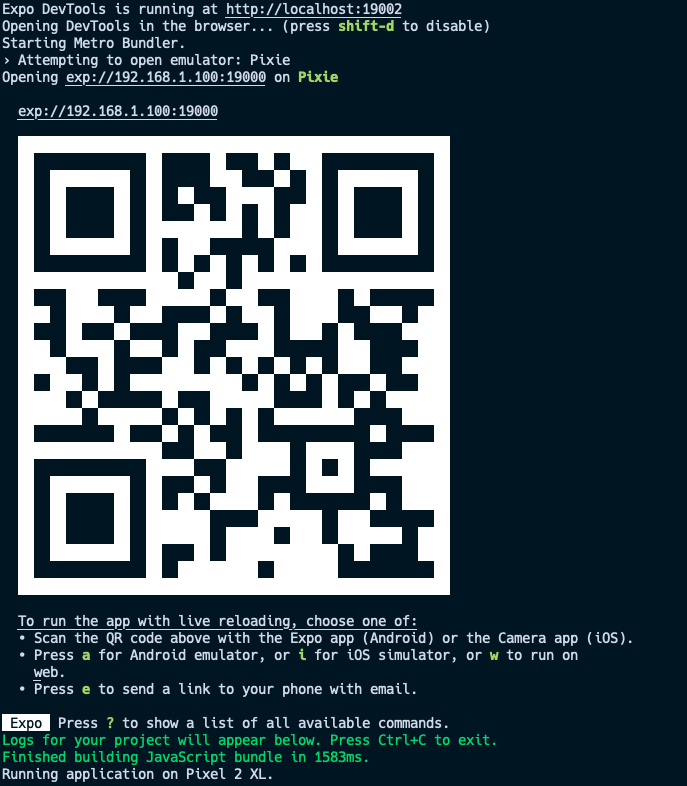
The way to run the app on your device is by scanning a QR code with the Expo app installed on the device. This is a LAN
url similar to what you have when you start a react web application except it is a special url that is linked to the
expo server.